How to turn off Intuit Intelligence in QuickBooks Online
By the DeclutterMe team · Last checked October 31, 2026
Not fully. You can close or collapse the Intuit Intelligence pane and ask it to stop opening automatically. But it can't be hidden for good, and it comes back in a new session. The AI invoice-review pop-up has no off switch at all.
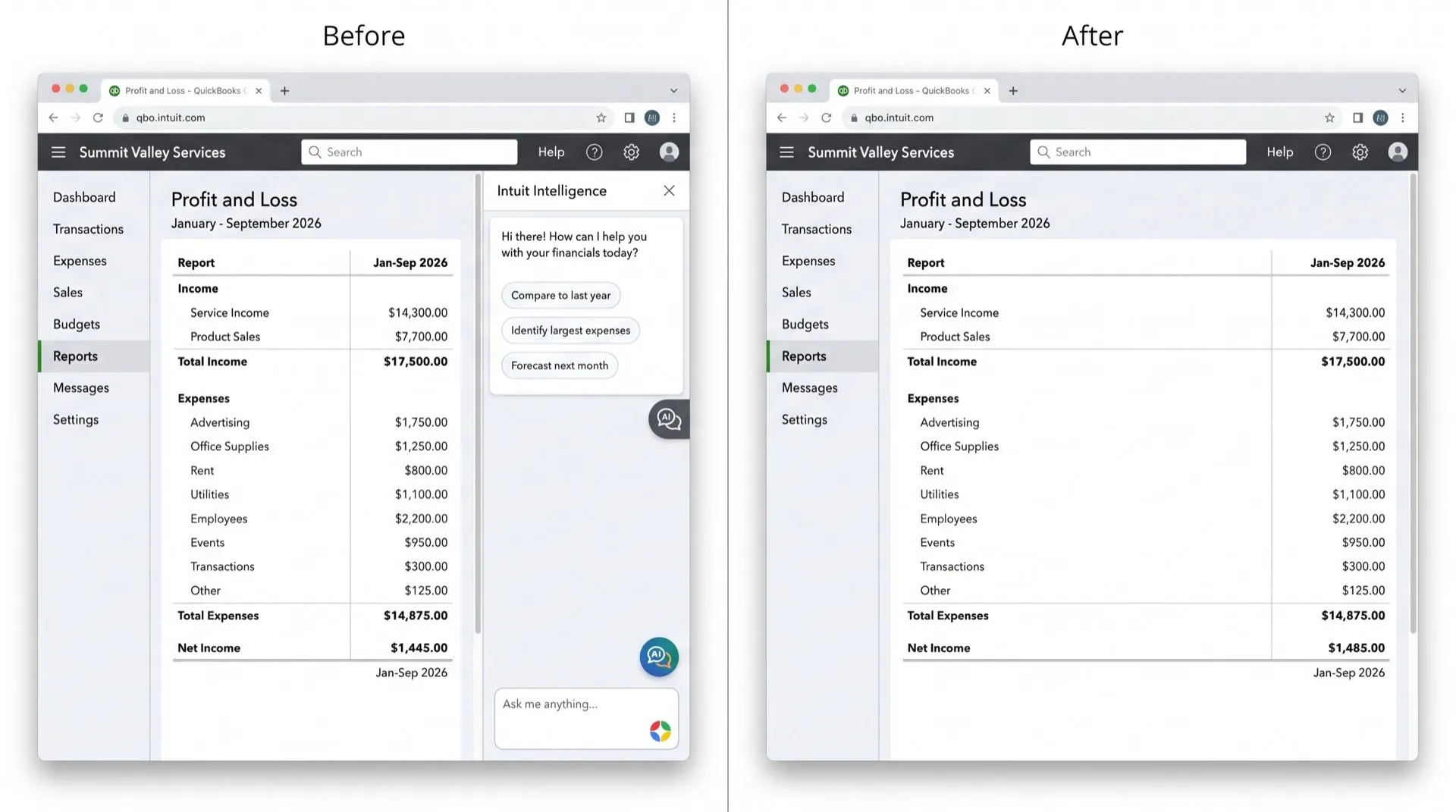
Intuit Intelligence is the AI assistant in QuickBooks Online. It opens as a panel down the side of the screen, which leaves less room for your books. While you edit invoices, a separate AI pop-up offers to review them and Send to customers.
Where it shows up
- The Intuit Intelligence pane and its launcher, on the side of most pages.
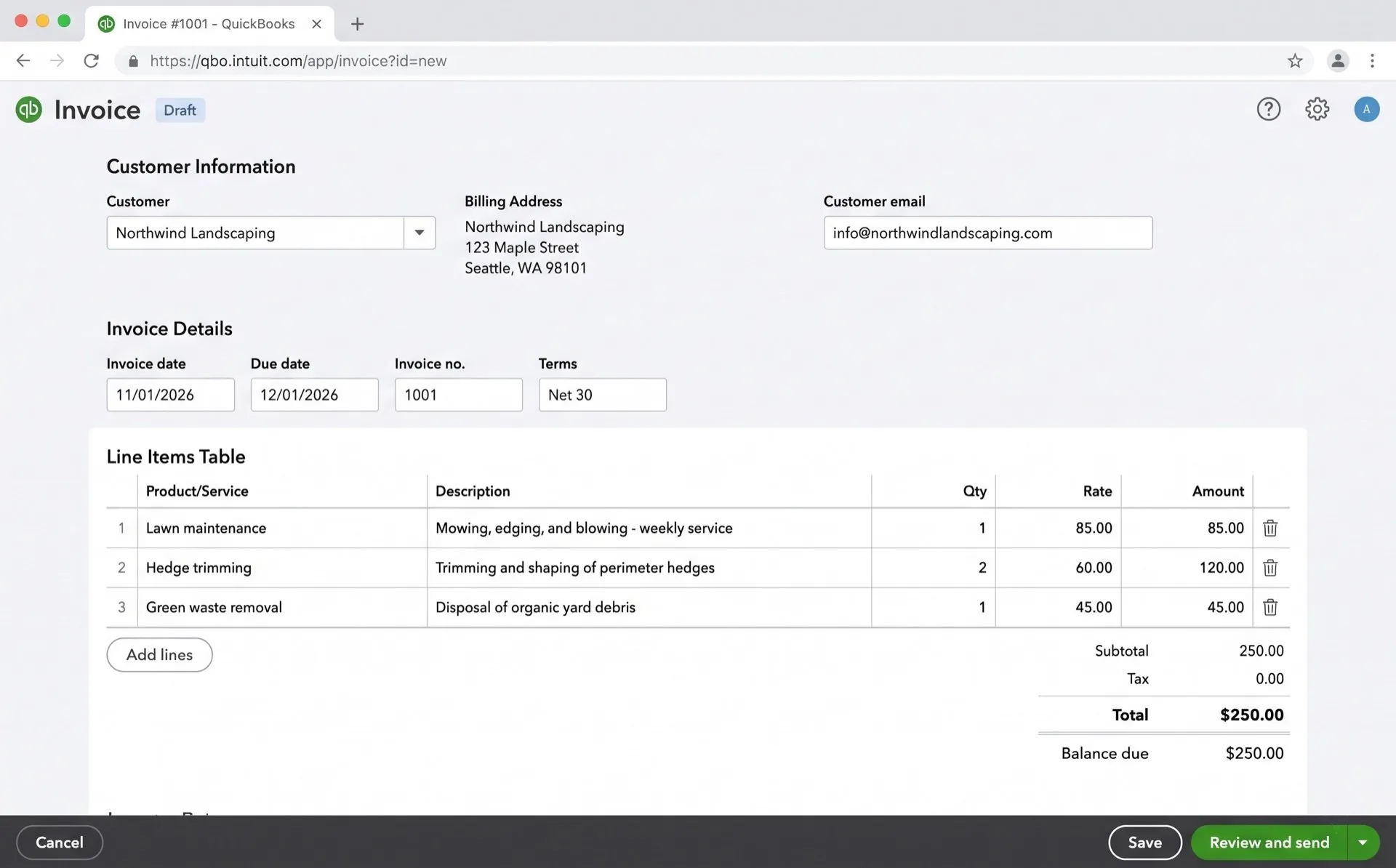
- The AI invoice-review pop-up, which appears while you’re still editing. It’s easy to hit Send to customers when aiming for the X, and a sent invoice can’t be unsent.
Can you turn it off in QuickBooks?
Not completely. We found no setting or admin control that hides it for good.
What you can do:
- Select the close icon on the pane. Intuit’s help article says it stays closed for the rest of your session.
- Or collapse it with the arrow. Intuit says it “will reappear in a new session by design”.
- To stop it opening by itself, type a request into the chat such as Stop opening this pane automatically. Intuit’s help article lists this as the way to turn off automatic opening. It doesn’t remove the launcher.
For the invoice-review pop-up, we found no setting that turns it off. You have to close it each time, carefully.
You can ask Intuit for an off switch through the gear icon, then Feedback.
Hide it with DeclutterMe
DeclutterMe removes the Intuit Intelligence panel and its launcher and gives the space back to your books. It also removes the AI invoice-review pop-up while you edit, so an unfinished invoice can’t be sent by mistake. DeclutterMe only ever closes or hides that pop-up. It never clicks Send to customers.
Sources
We checked this guide against these pages on October 31, 2026.
Switch it off for good with DeclutterMe
- Hide the Intuit Intelligence sidebarRemoves the AI assistant panel and its launcher and gives the space back to your books.
- Hide the AI "review invoices" pop-upRemoves the AI pop-up offering to "Send to customers" while you edit, so unfinished invoices can't be sent by mistake.
Free for 1 fix of your choice. Nothing you read or type leaves your browser.
DeclutterMe is our product. We're not affiliated with or endorsed by the companies behind these apps.
More QuickBooks Online guides
- How to make QuickBooks Online bank transaction search show exact matches only
- How to clean up the QuickBooks Online dashboard
- How to hide "Contact experts" and QuickBooks Live prompts in QuickBooks Online
- How to stop QuickBooks Online "How likely are you to recommend" surveys
- How to stop QuickBooks Online upgrade pop-ups