How to stop "What's new" tours and surveys in Jira and Confluence
By the DeclutterMe team · Last checked October 31, 2026
No. Jira and Confluence Cloud have no user or admin setting that turns off "What's new" tours, feature spotlights or feedback surveys. You can close each one, but new ones arrive with each release. An extension can close them for you as they appear.
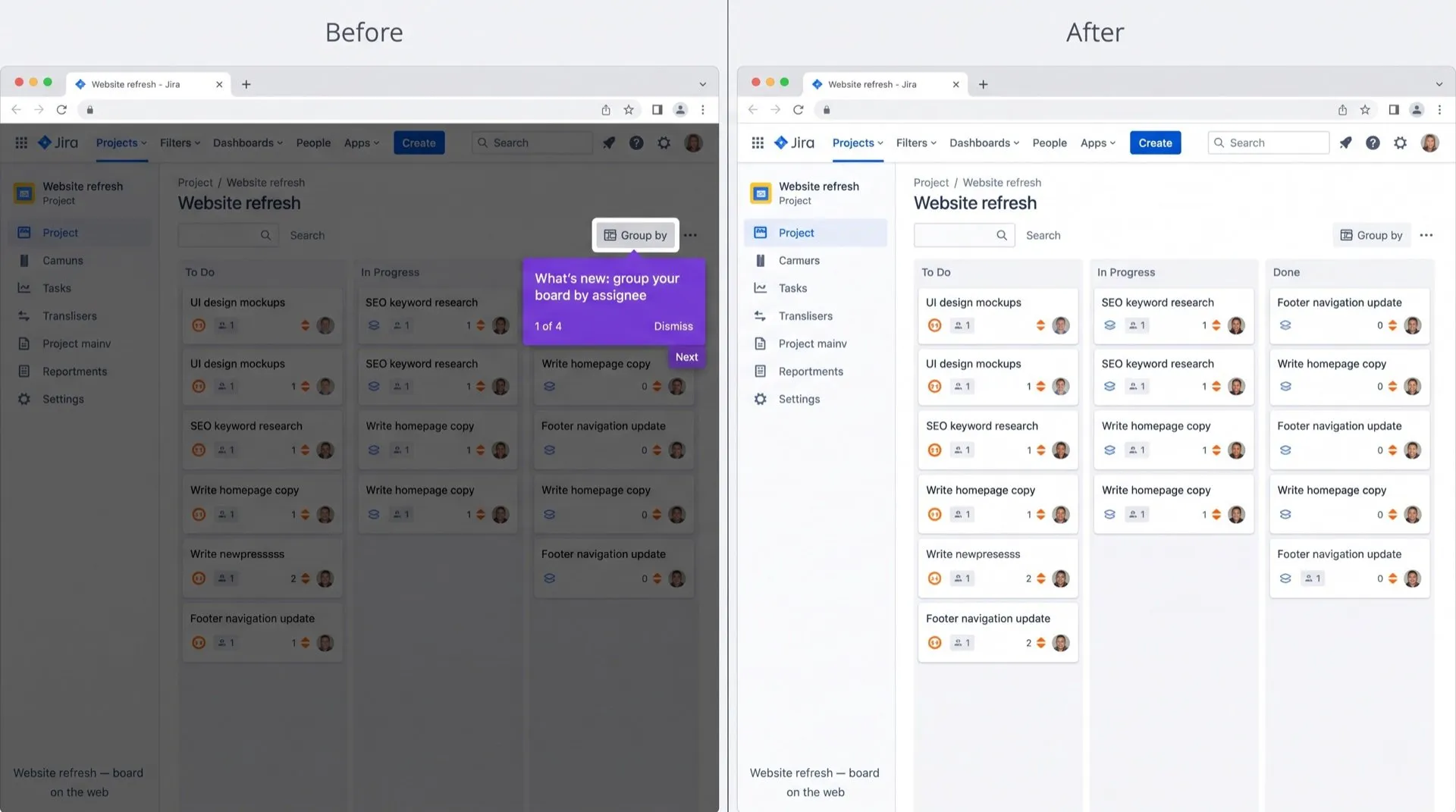
You open a Jira issue and a box slides in to show you a new feature. Close it, and another one points at a button you’ve used for years. Later, a survey asks how likely you are to recommend Jira.
Where they show up
- “What’s new” tours after Atlassian ships a change.
- Feature spotlights that highlight a button or menu and wait for you to click through.
- Feedback surveys that ask you to rate the product or a feature.
Can you turn them off in Jira or Confluence?
No, not in the cloud versions. Atlassian’s articles on disabling the “What’s new” window apply only to its Data Center products, which companies host themselves. For Jira and Confluence Cloud, we found no way to turn these off.
The closest admin option is custom onboarding in Jira, available on Premium and Enterprise plans. It lets admins replace the first-run experience for new users. It doesn’t stop tours and surveys for people already using Jira.
What you can do:
- Click X, Skip or Dismiss on each tour or survey.
- That one stays closed.
- The next release brings a new tour, and surveys come back from time to time.
Close them automatically
DeclutterMe closes “What’s new” tours, feature spotlights and feedback surveys in Jira and Confluence as soon as they open. Your admins’ announcements and outage notices always stay visible.
Sources
We checked this guide against these pages on October 31, 2026.
Switch it off for good with DeclutterMe
- Dismiss tours and surveysCloses "What's new" tours, feature spotlights and feedback surveys.
Free for 1 fix of your choice. Nothing you read or type leaves your browser.
DeclutterMe is our product. We're not affiliated with or endorsed by the companies behind these apps.